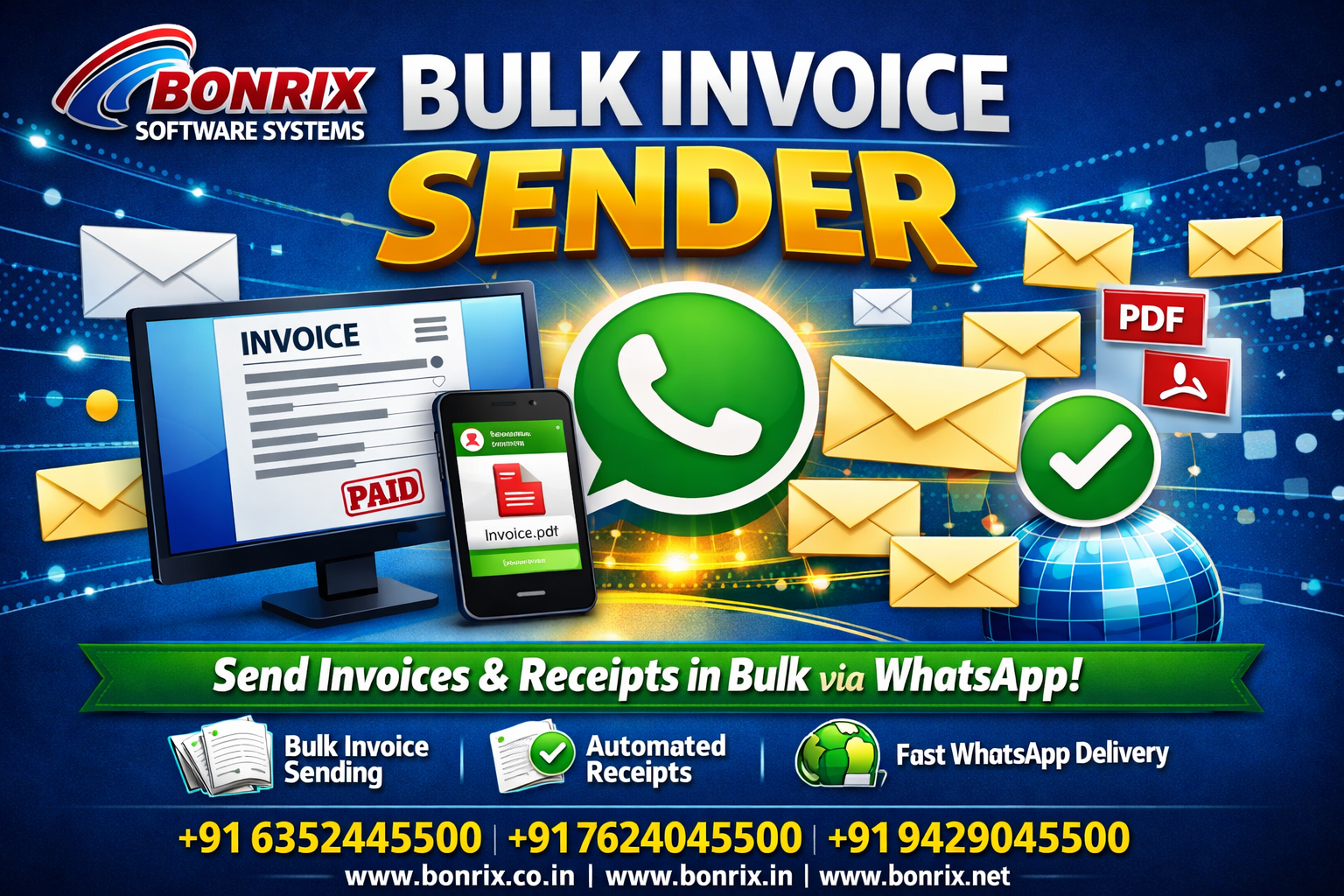
WhatsApp Automation Guide
Bulk invoice sender | How to send bulk Document via whatsapp | Automated receipt send via whatsapp
This video demonstrates how to automate the bulk delivery of personalized documents, such as invoices and receipts, to customers via WhatsApp. By linking a contact list with specific file names in an Excel sheet, the system automatically matches each document to the correct recipient, significantly simplifying high-volume administrative tasks.
📄 Bulk Invoices
⚡ WhatsApp Automation
🎯 Precision Delivery
Functionality
Invoice & Document Automation
Master WhatsApp Automation 🚀
Automate sending personalized invoices and receipts in bulk via WhatsApp by simply linking your customer contact list with document files in an Excel sheet.
Automated system for sending bulk invoices and receipts to customers via WhatsApp
This video introduces Bonrix Fintech’s Bulk Invoice Sender, a practical tool designed to automate the distribution of invoices, receipts, and various documents via WhatsApp. By utilizing an Excel-based system, users can efficiently link specific customer phone numbers with their corresponding document filenames. This streamlined approach ensures that the correct file is delivered to the right client, significantly reducing the administrative workload associated with manual document handling.
The setup process is straightforward and focuses on precision: the user prepares an Excel sheet containing the mobile numbers and the associated PDF or document paths, including file extensions. Once this data is loaded into the Bonrix WhatsApp software, the system identifies the columns for mobile numbers and document names. After defining the folder path where these documents are stored, the application automates the delivery, sending each specific document to its designated recipient one by one.
This automation solution is an excellent choice for businesses looking to enhance their billing and communication workflows. By replacing manual sending methods with an automated, reliable system, companies can ensure timely delivery of invoices and receipts, fostering better customer relationships. The video demonstrates the tool's effectiveness, showcasing how it handles bulk requests smoothly to deliver professional, accurate, and prompt service to a large client base.
🔥 Key Features Highlighted
📊
Excel Integration
Uses an Excel sheet as the database to map mobile numbers directly to specific file names.
🔍
Automatic Matching
Intelligently matches the correct invoice or receipt document to the specific recipient.
🚀
Batch Processing
Load contacts and documents to send files sequentially without manual intervention.
⚡
Mass Efficiency: Saves time by replacing manual, per-client file attachments with a single automated process.
🛡️
Error Reduction: Automated file-to-recipient matching eliminates human error, ensuring documents go to the correct clients.
📊
Streamlined Admin: Simplifies high-volume distribution, handling hundreds or thousands of documents effortlessly.
💰
Finance & Accounting: Automates recurring delivery of invoices and receipts to your clients.
📦
Logistics & E-commerce: Perfect for mass-sending shipping, order, and delivery documents.
🤝
Service Providers: Ideal for sharing personalized reports or PDFs with large client lists simultaneously.
🚀 Grab This Opportunity & Start Your Messaging System
www.bonrix.co.in | www.bonrix.in | www.bonrix.net
#whatsappstatus #whatsappdocument #whatsappindia #whatsappbusiness #whatsappus #invoice #bills #tally #tallyprime #erp #margerp #whatsapp2022 #whatsapp2021 #whatsappfeatures2022 #automatic #automated #bulkwhatsappsender